How To: Pay Your Balance Due to the IRS

How to Make a Tax Payment Using Direct Pay
# Internal Revenue Service | An official website of the United States government
Go to https://www.irs.gov/
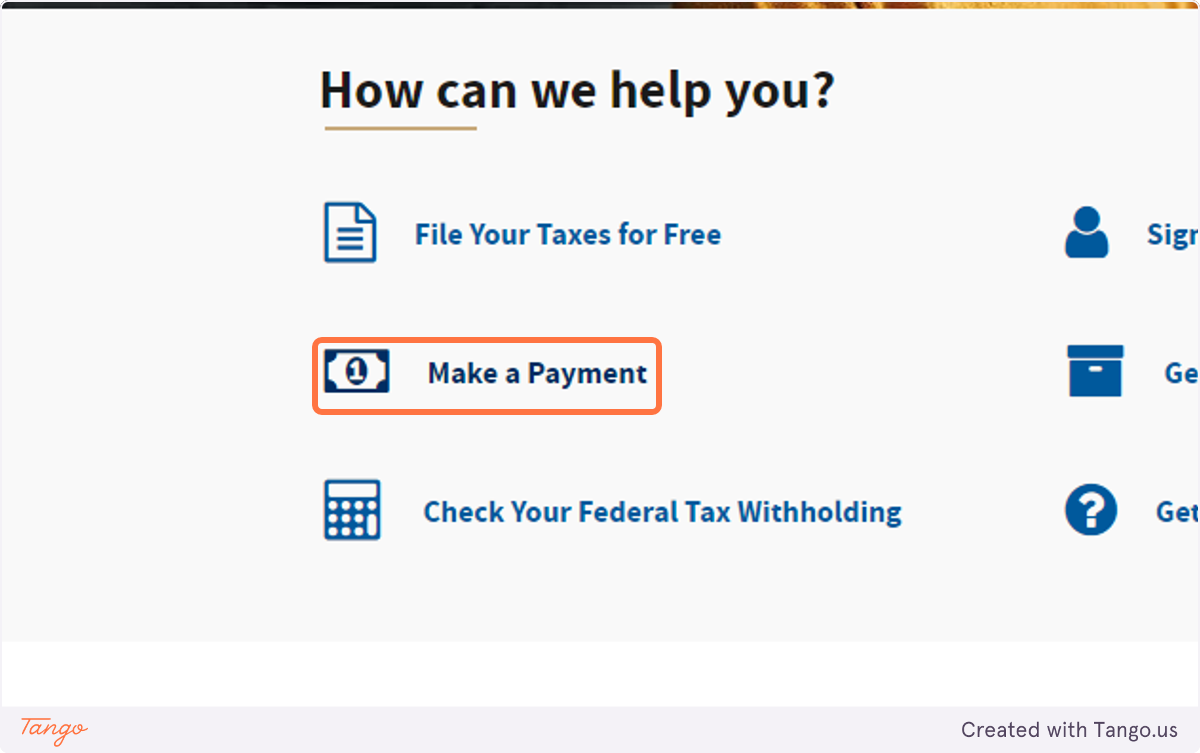
1. Click on Make a Payment
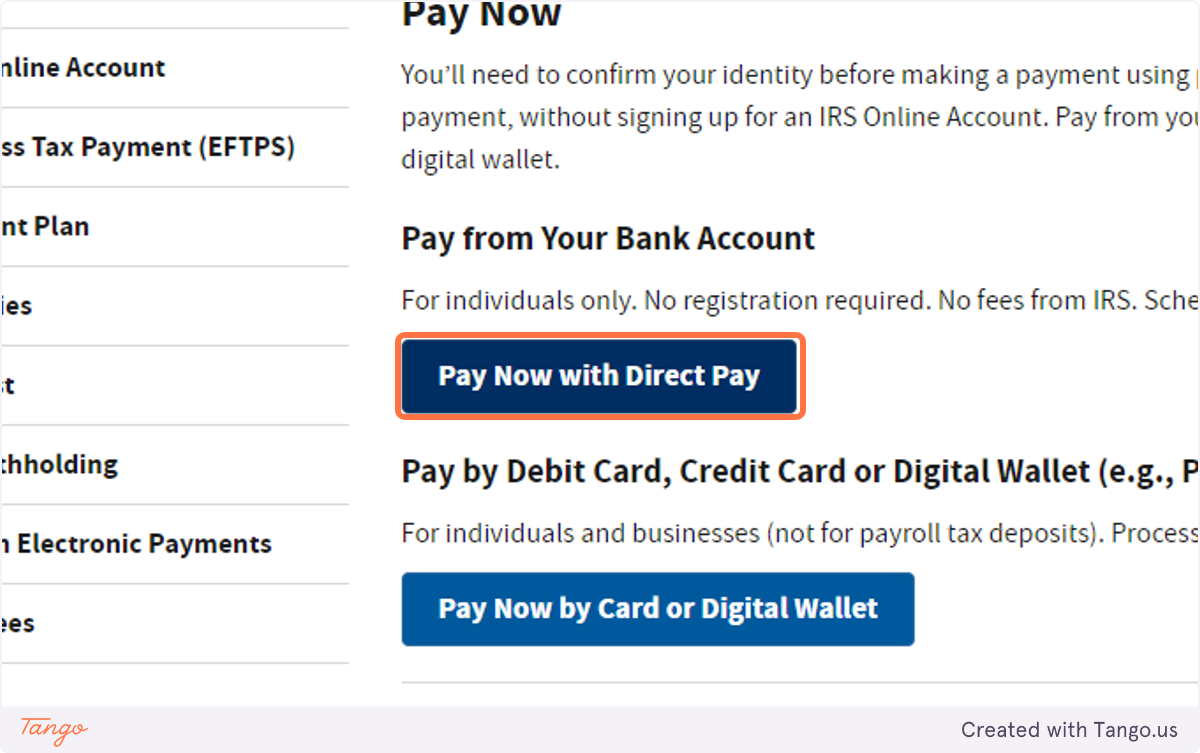
2. Click on Pay Now with Direct Pay
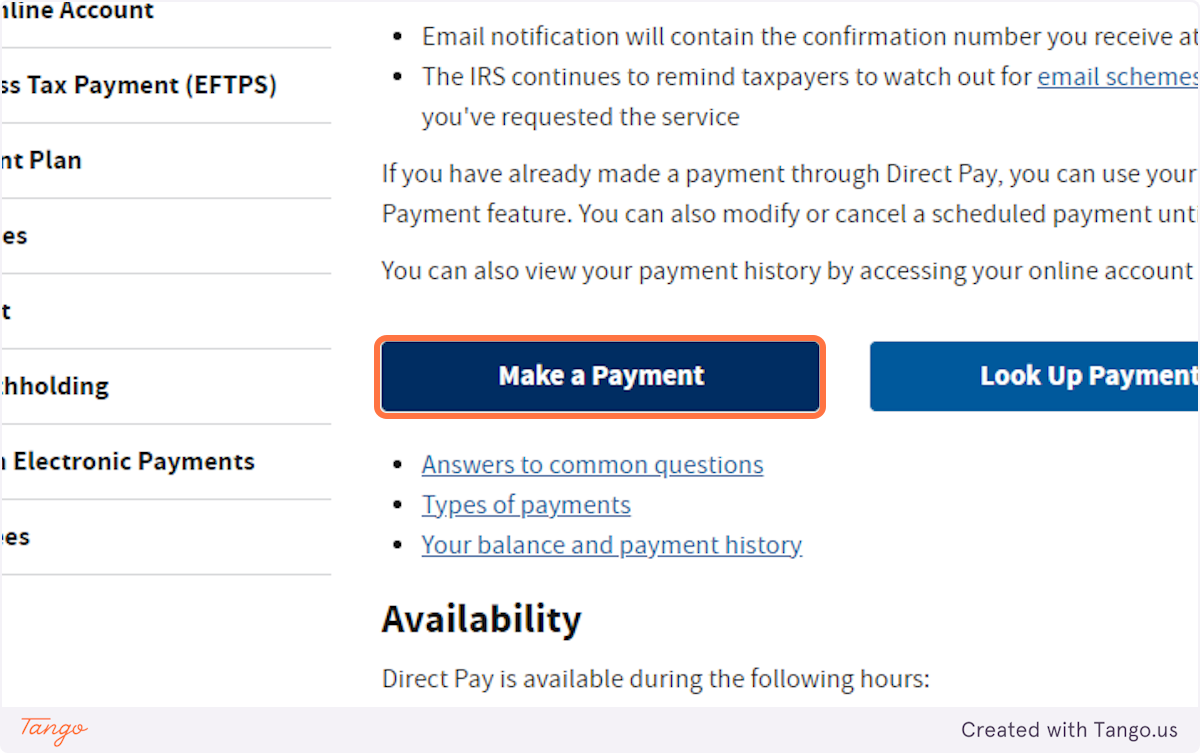
3. Click on Make a Payment
4. Select Balance Due from Reason for Payment…

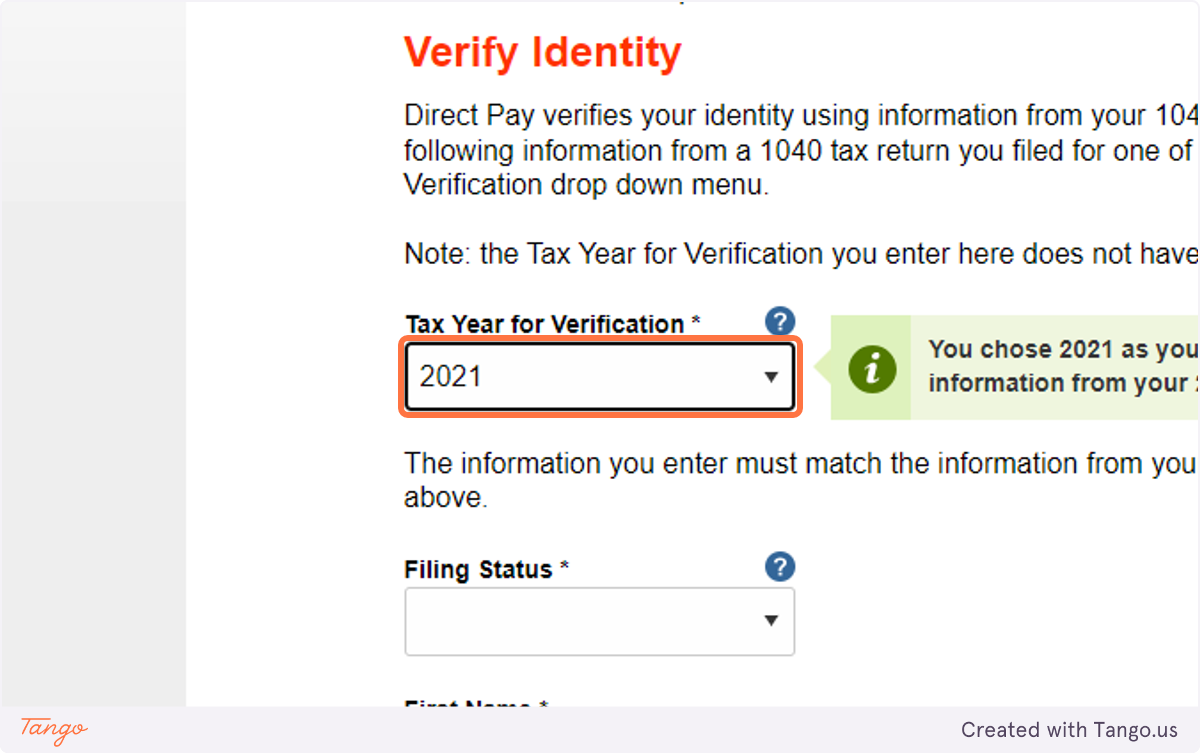
5. Select Income Tax - Form 1040 from Apply Payment To…
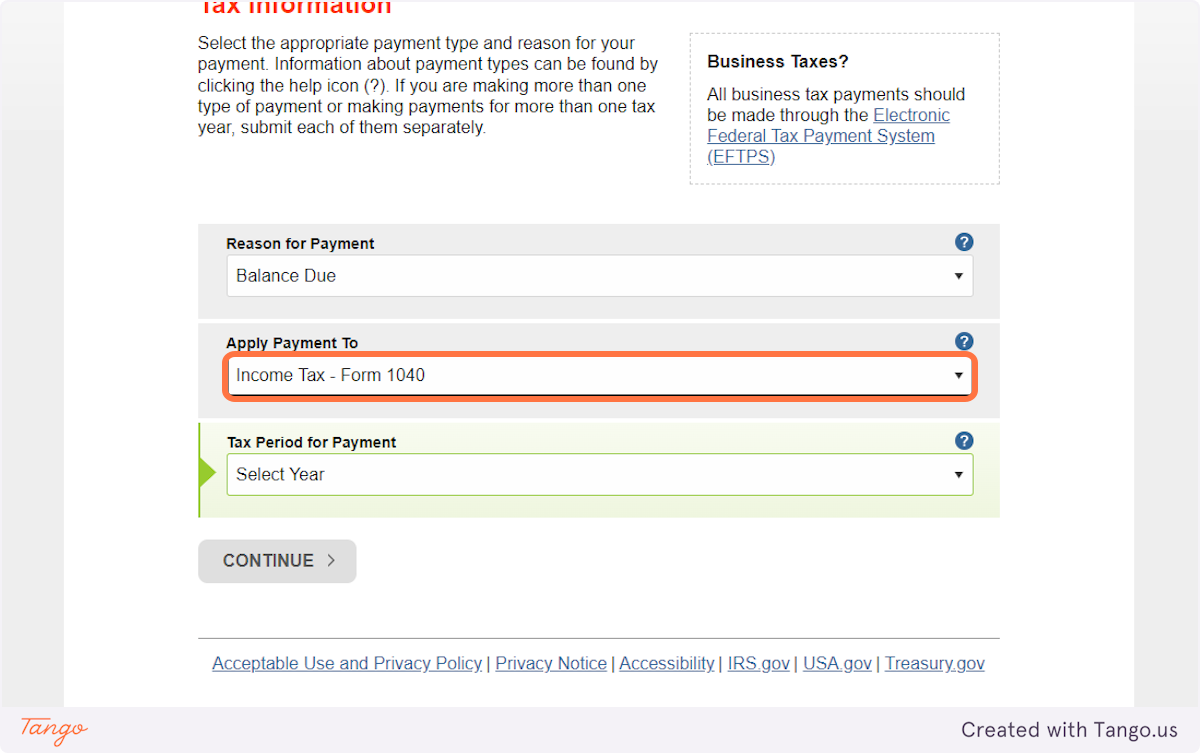
6. Select 2022 from Tax Period for Payment…
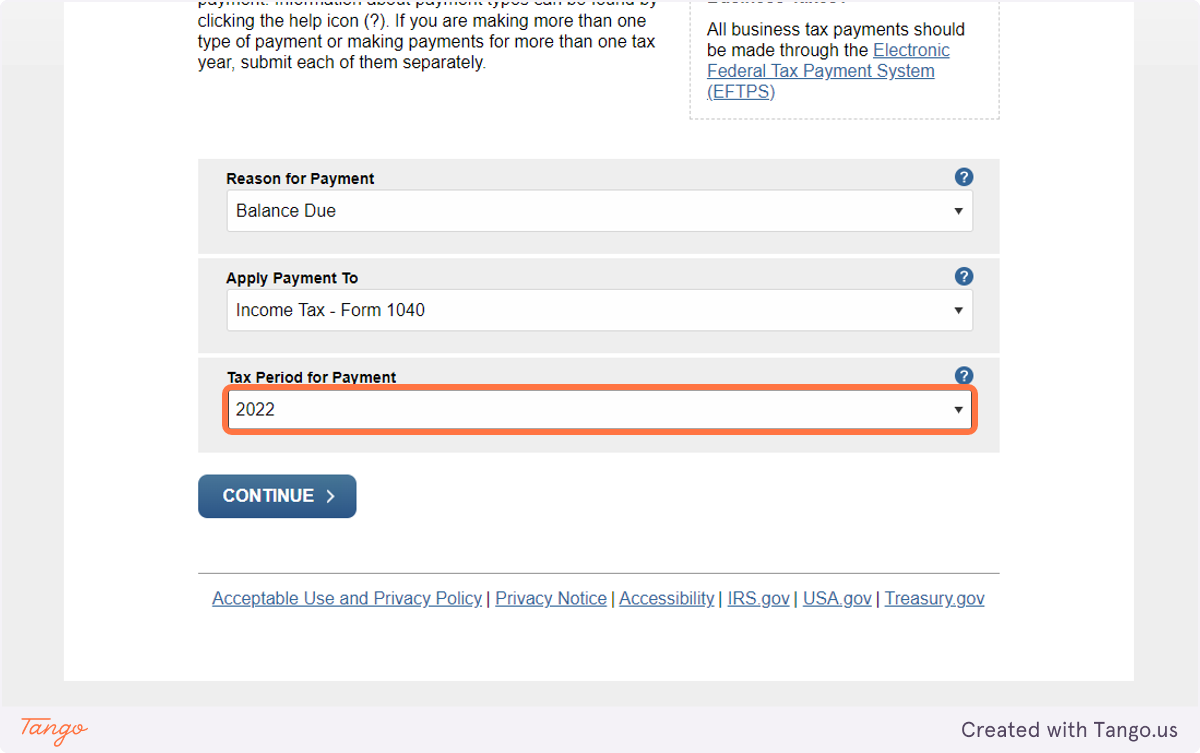
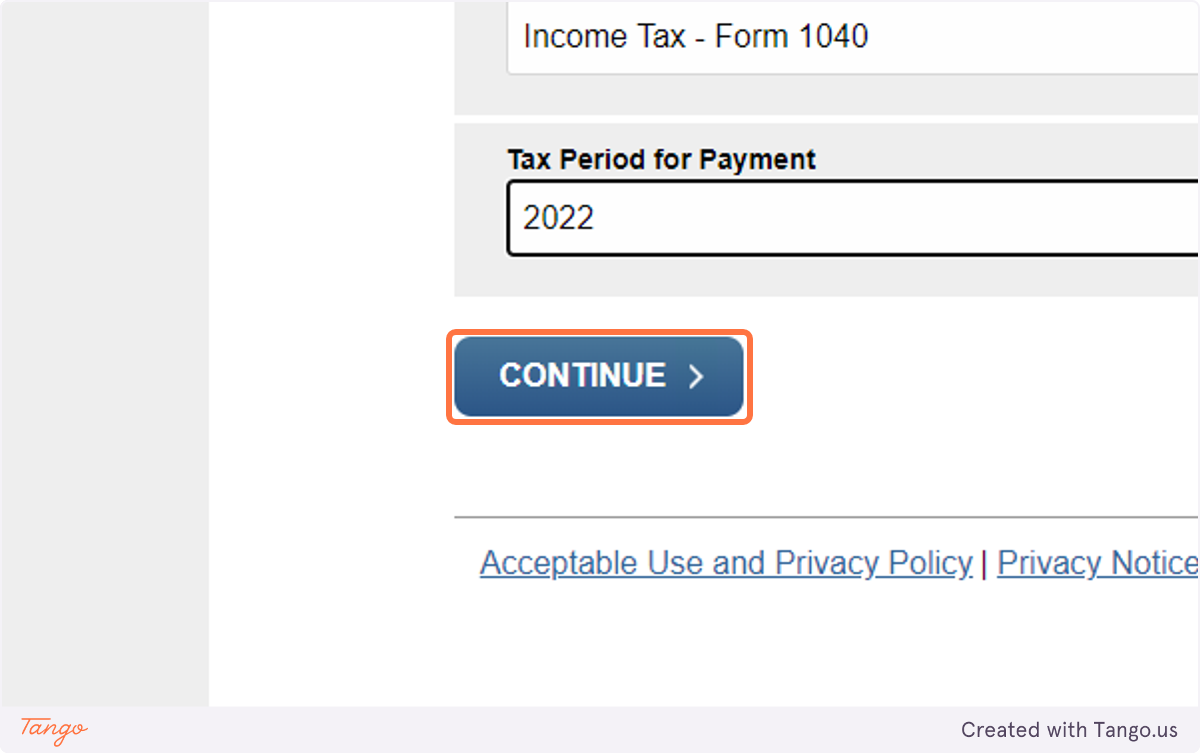
7. Click on CONTINUE…
8. Be sure to select the prior year information to identity yourself.