How To: Download your Income and Tax Info from the IRS

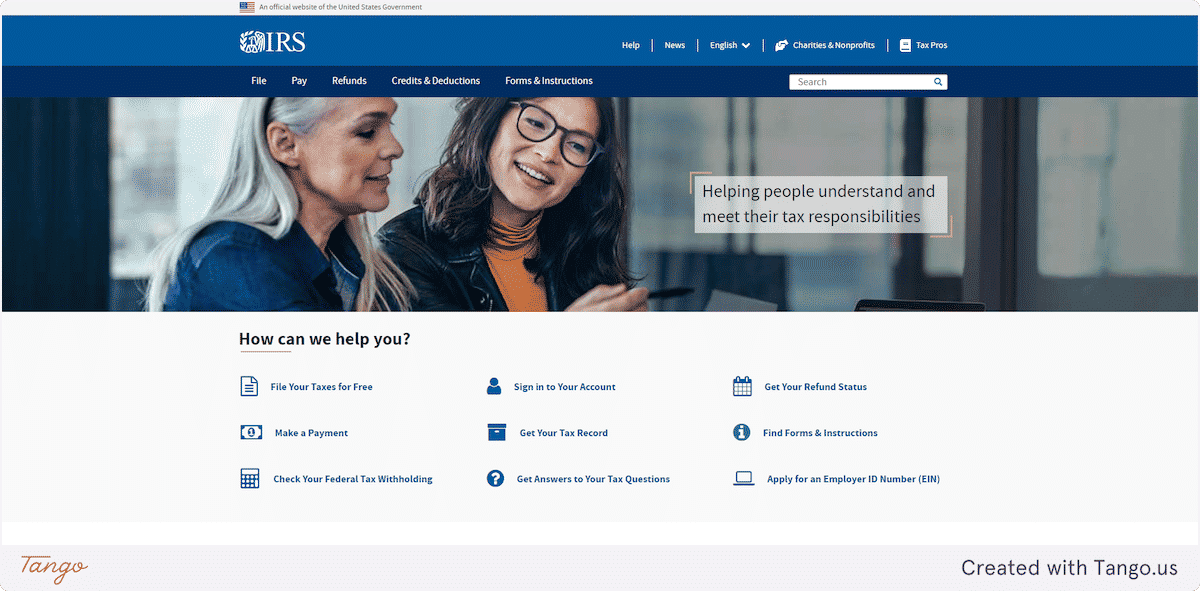
1. Navigate to IRS.GOV Internal Revenue Service | An official website of the United States government
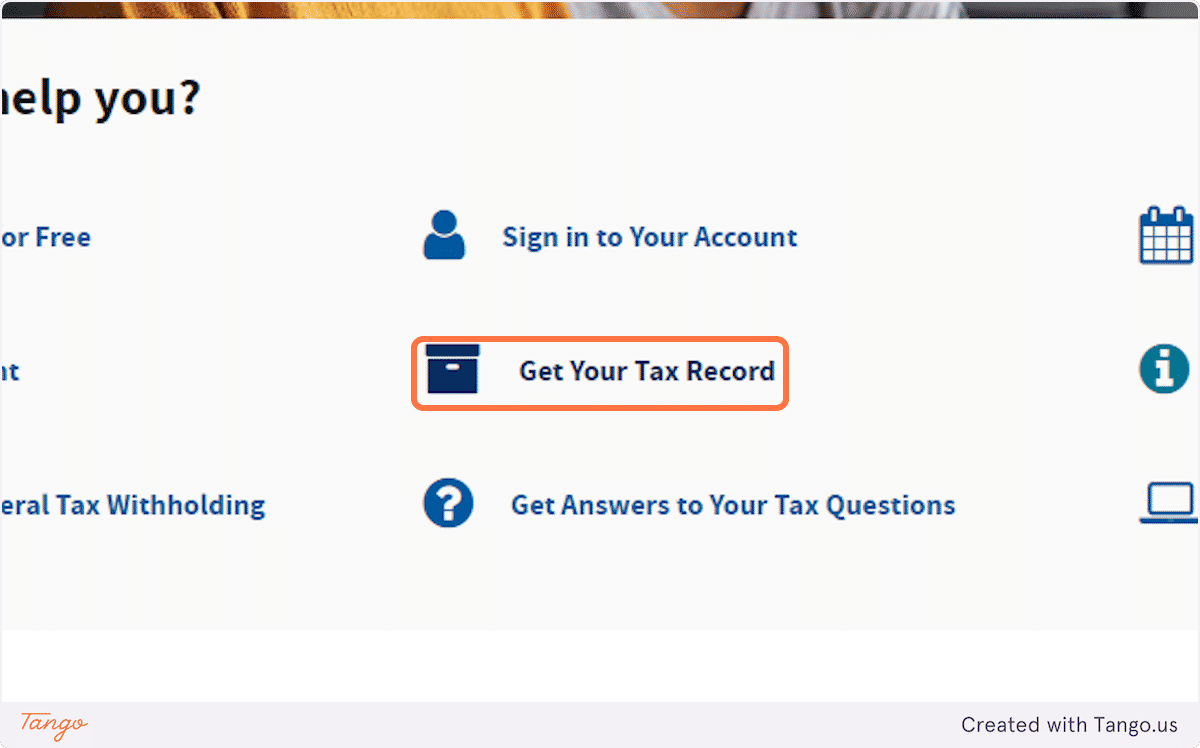
2. Click on Get Your Tax Record
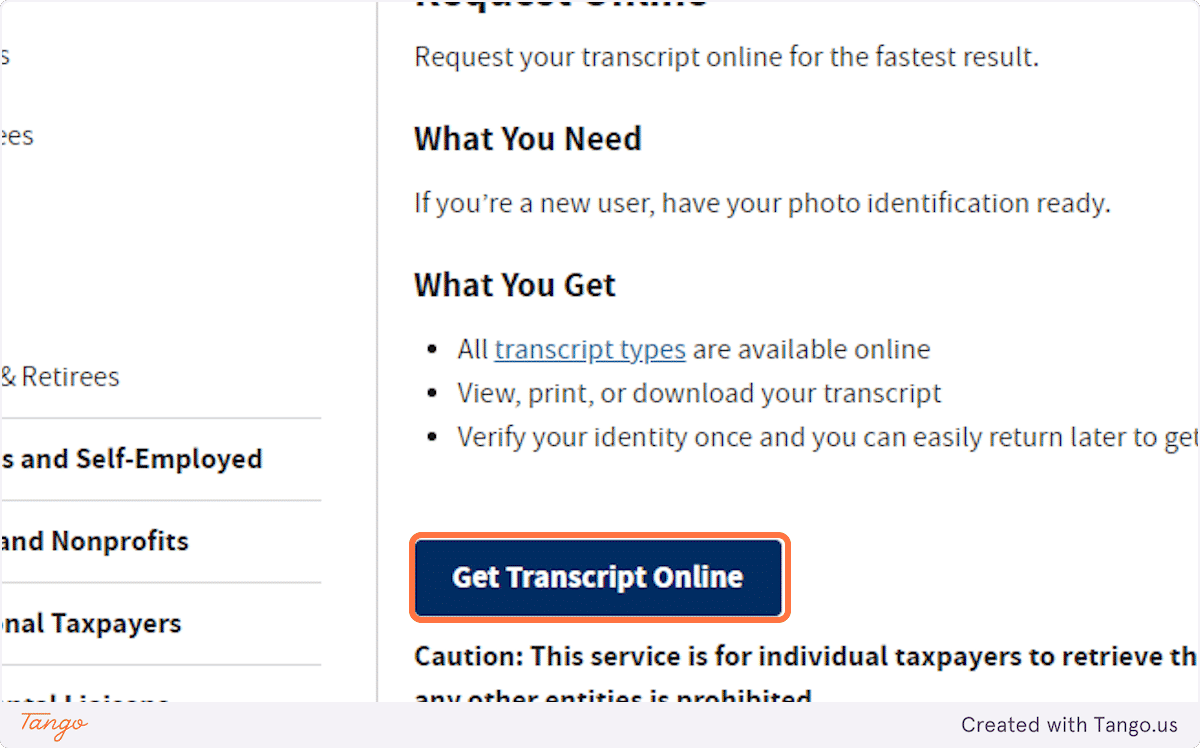
3. Click on Get Transcript Online
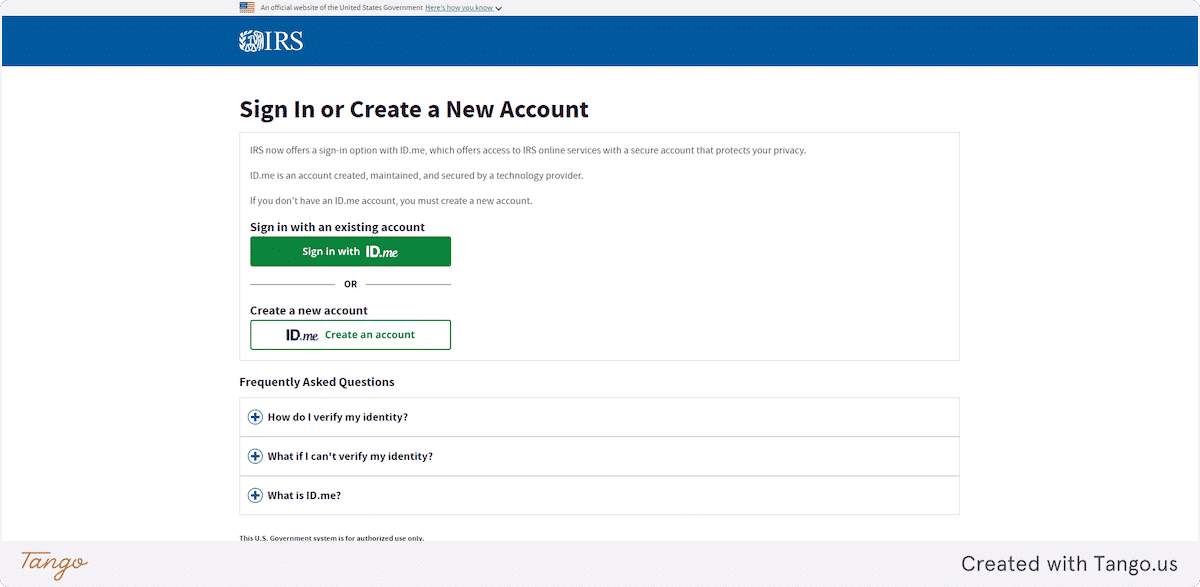
4. If you do not have an account with the IRS then you will be promoted to create one.
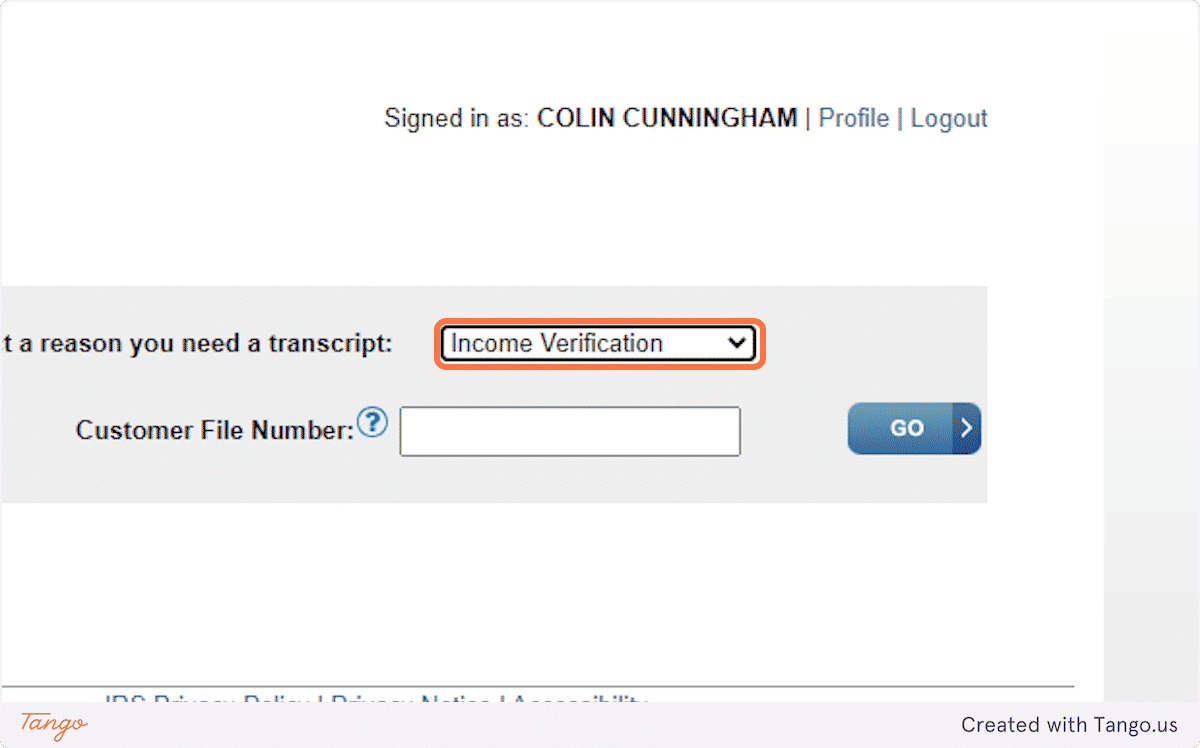
5. Click on Income Verification from Select a reason you need a transcript:
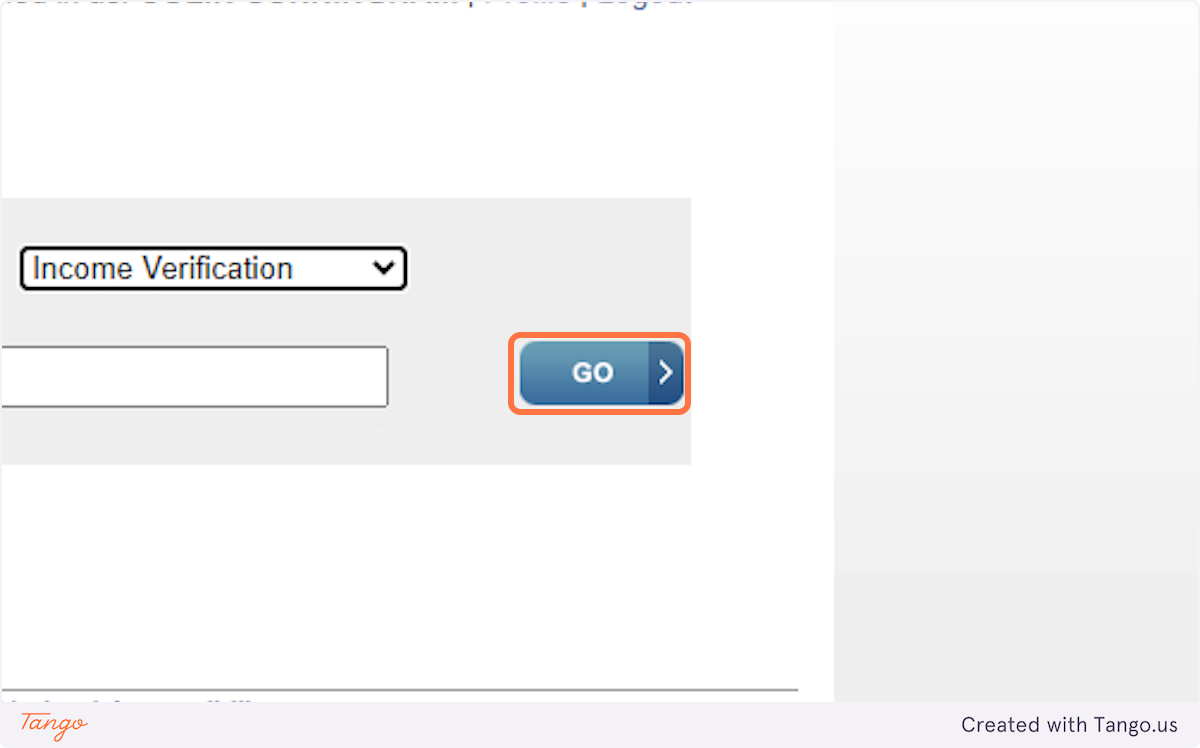
6. Click on Go
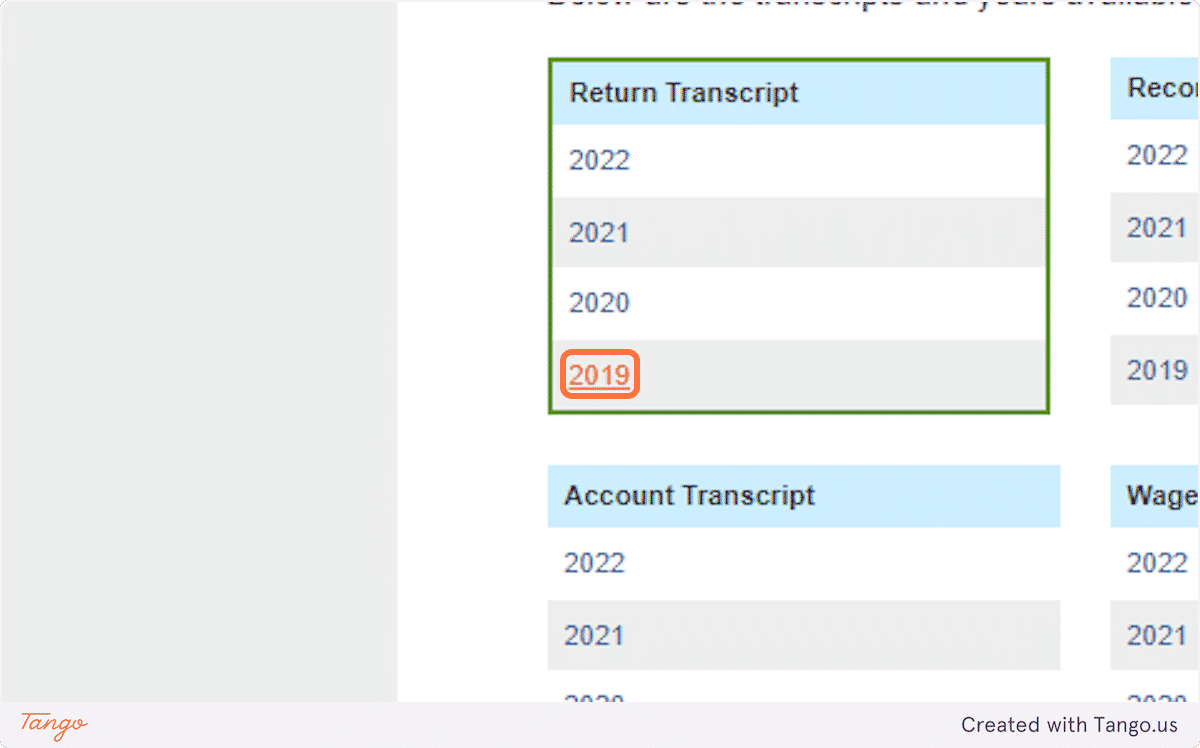
7. Locate which year transcript you wish to access